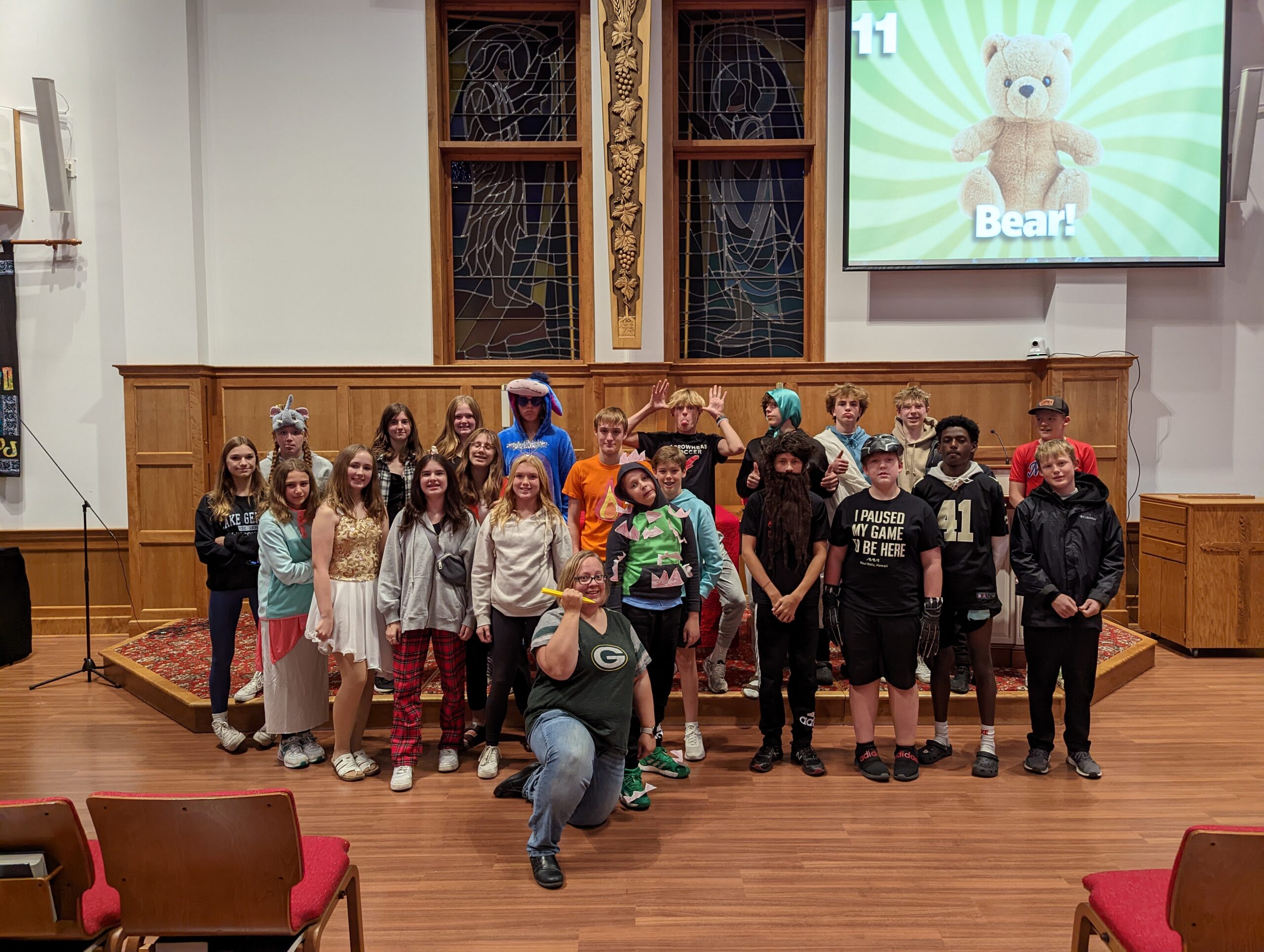
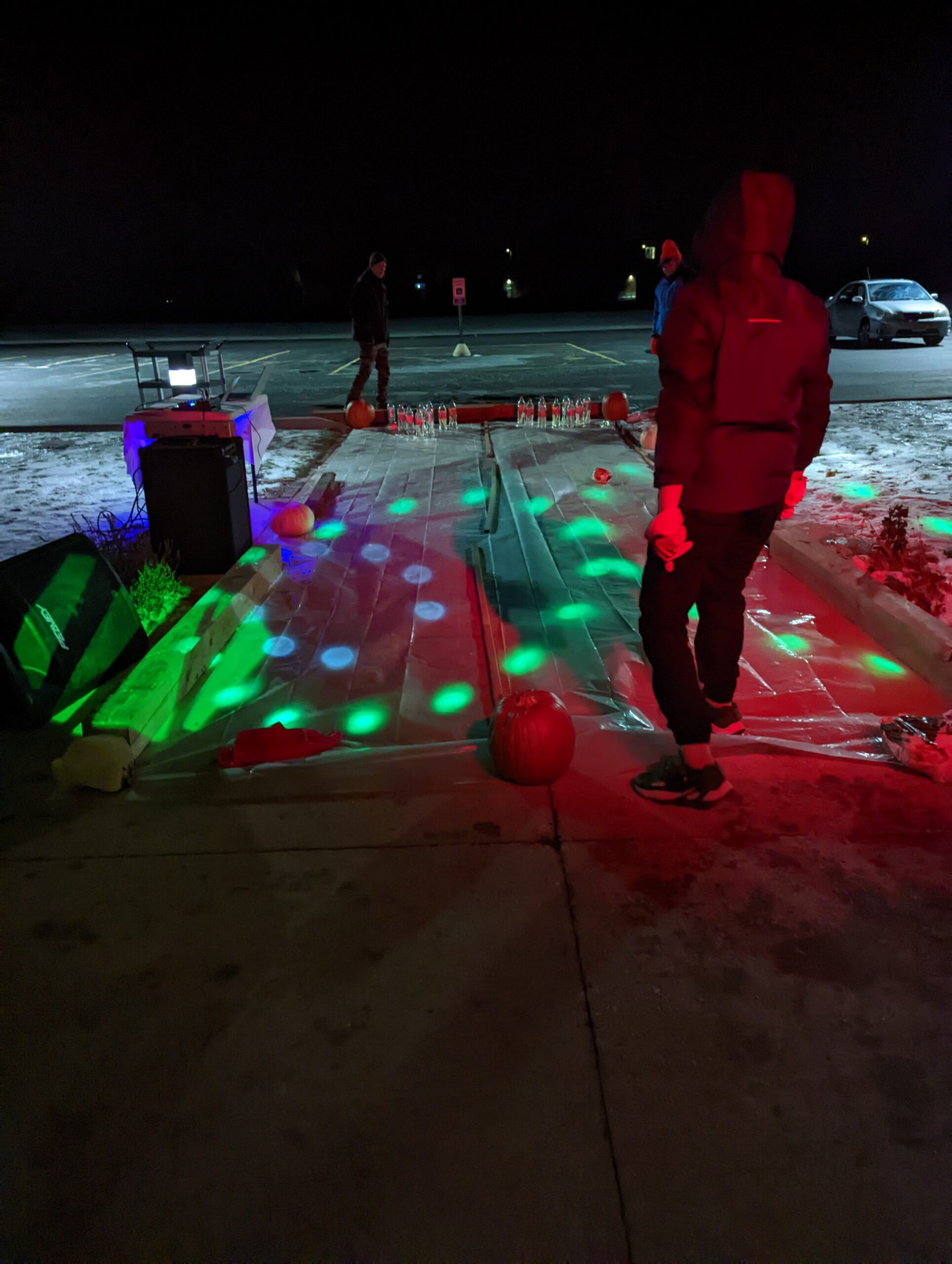
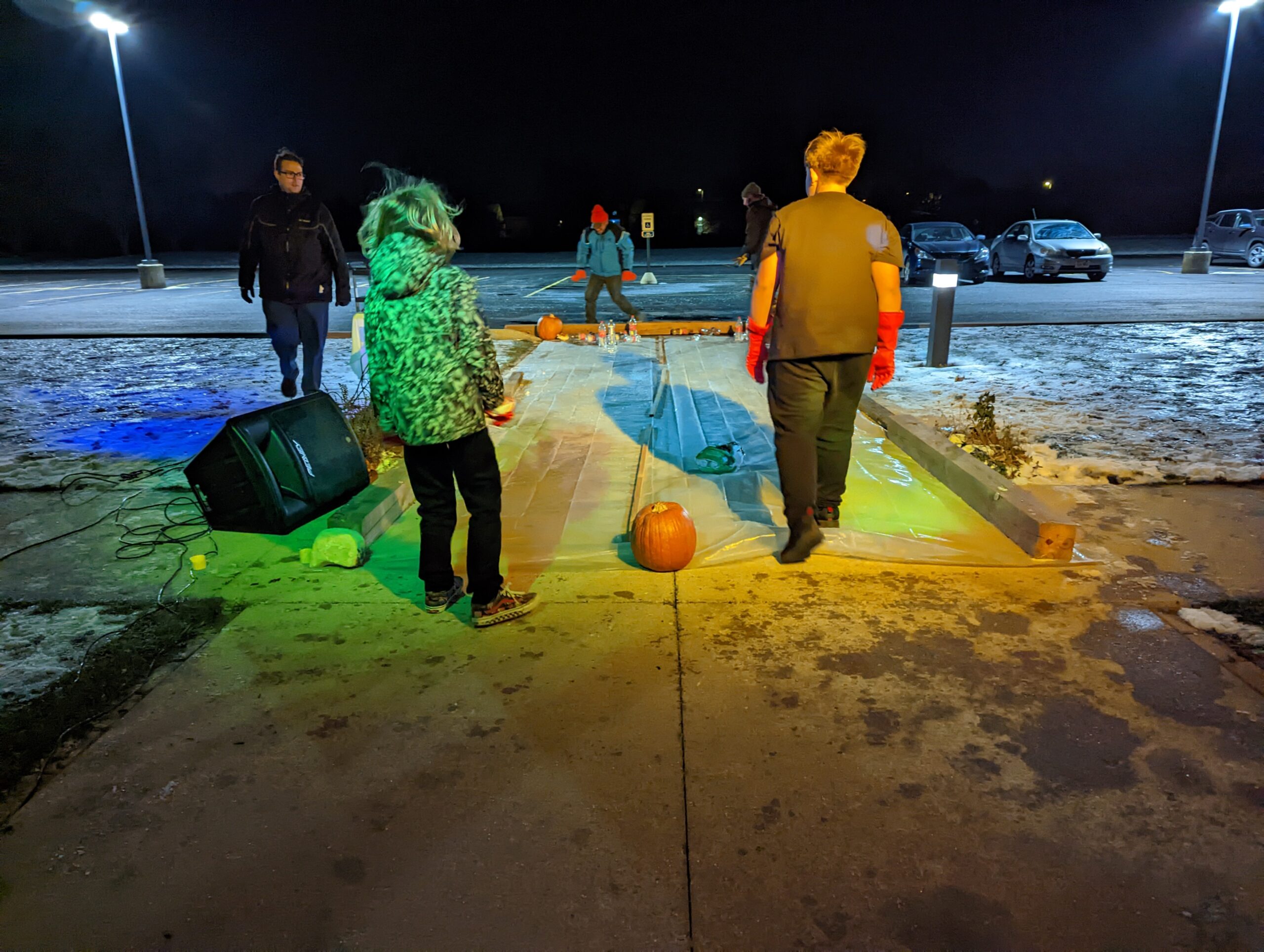
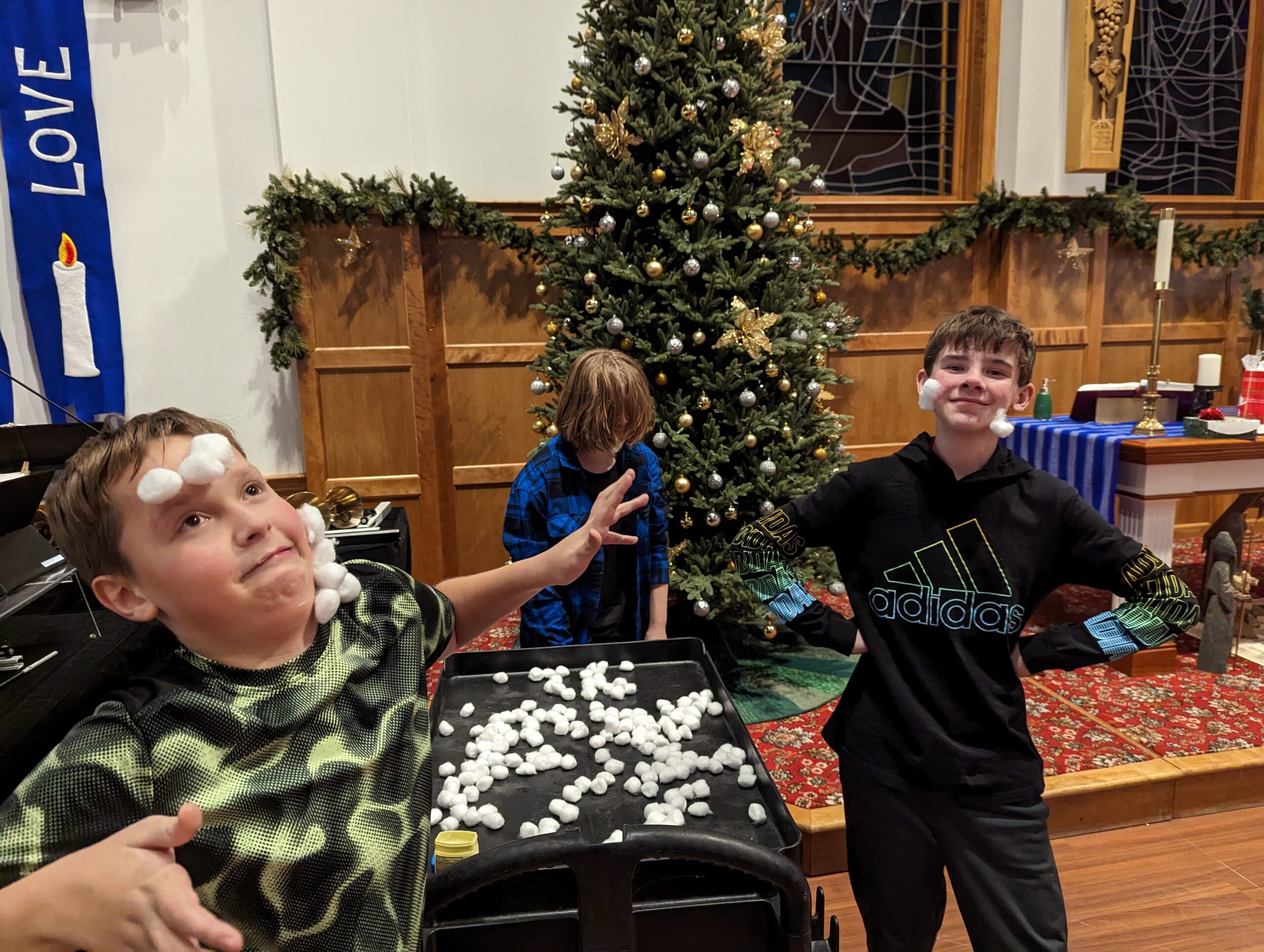
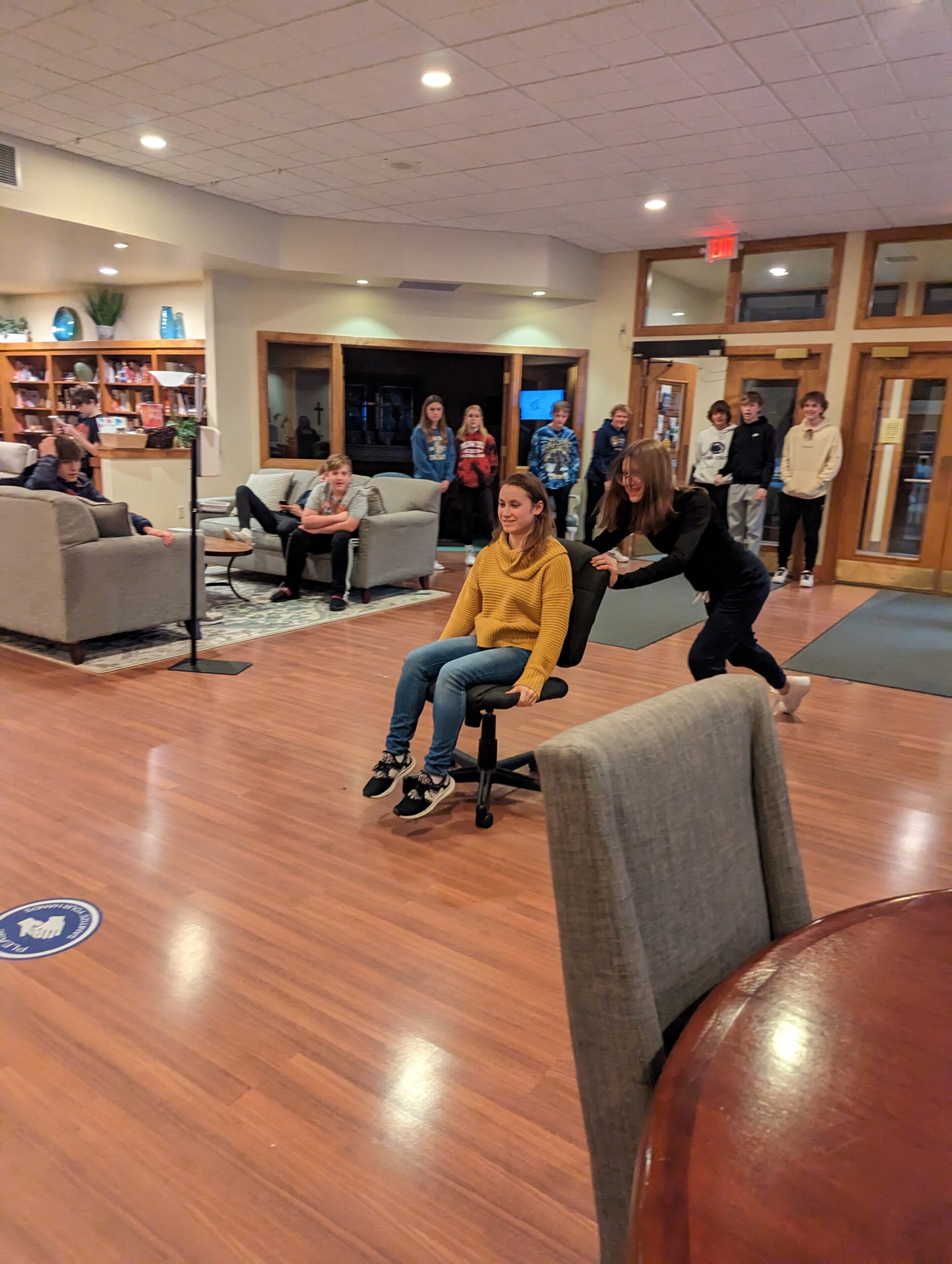
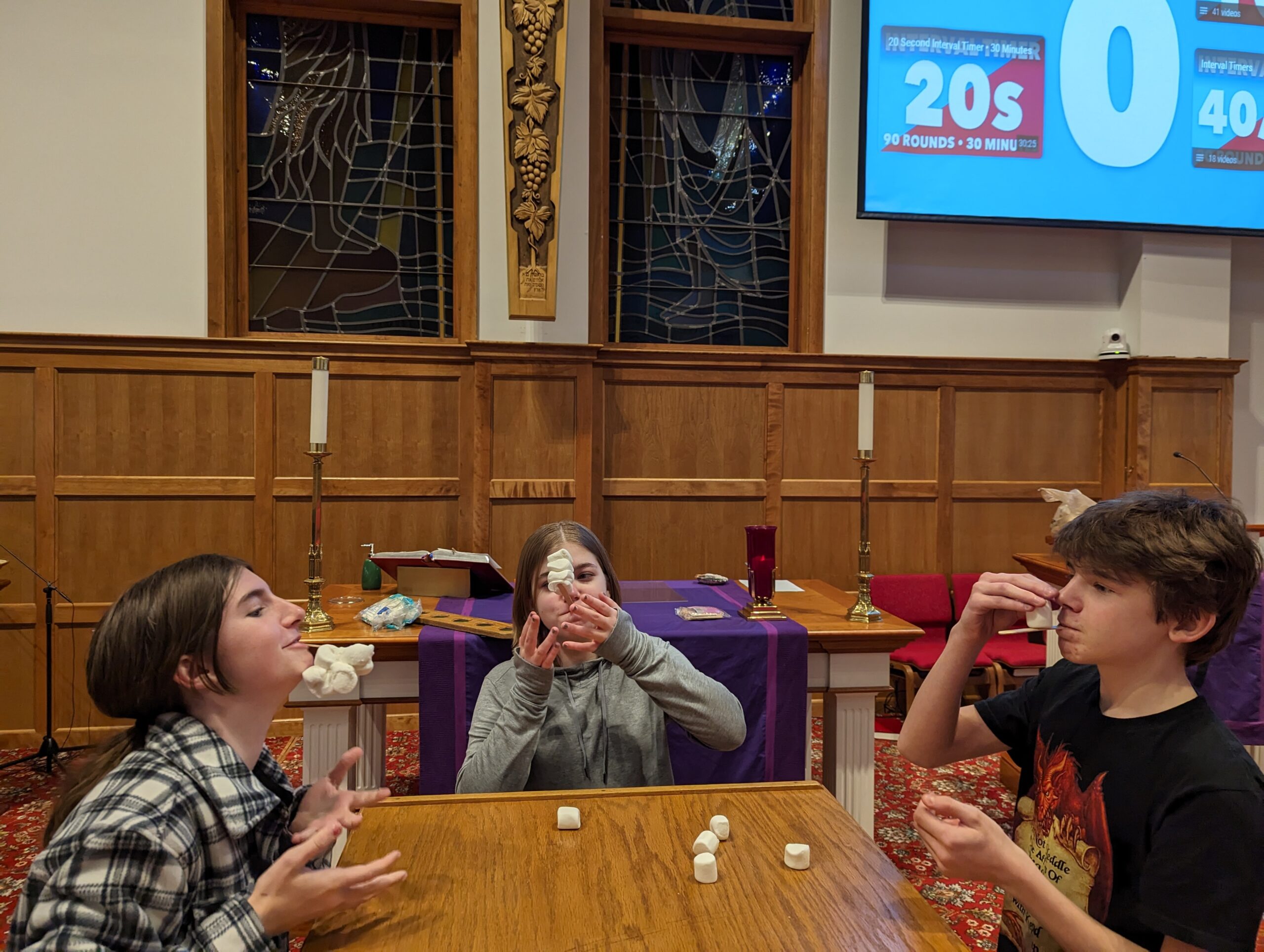
Sunday Night Live is the Youth Group of Our Savior’s for 7th grade through 12th grade.  It meets weekly on Sunday nights from 7:00-8:00 PM and has a wide variety of activities.  Some are crazy, some are weird, but all of them are FUN!  Come enjoy the “best part of your whole week” (according to the youth who attend) and be part of our great youth community.


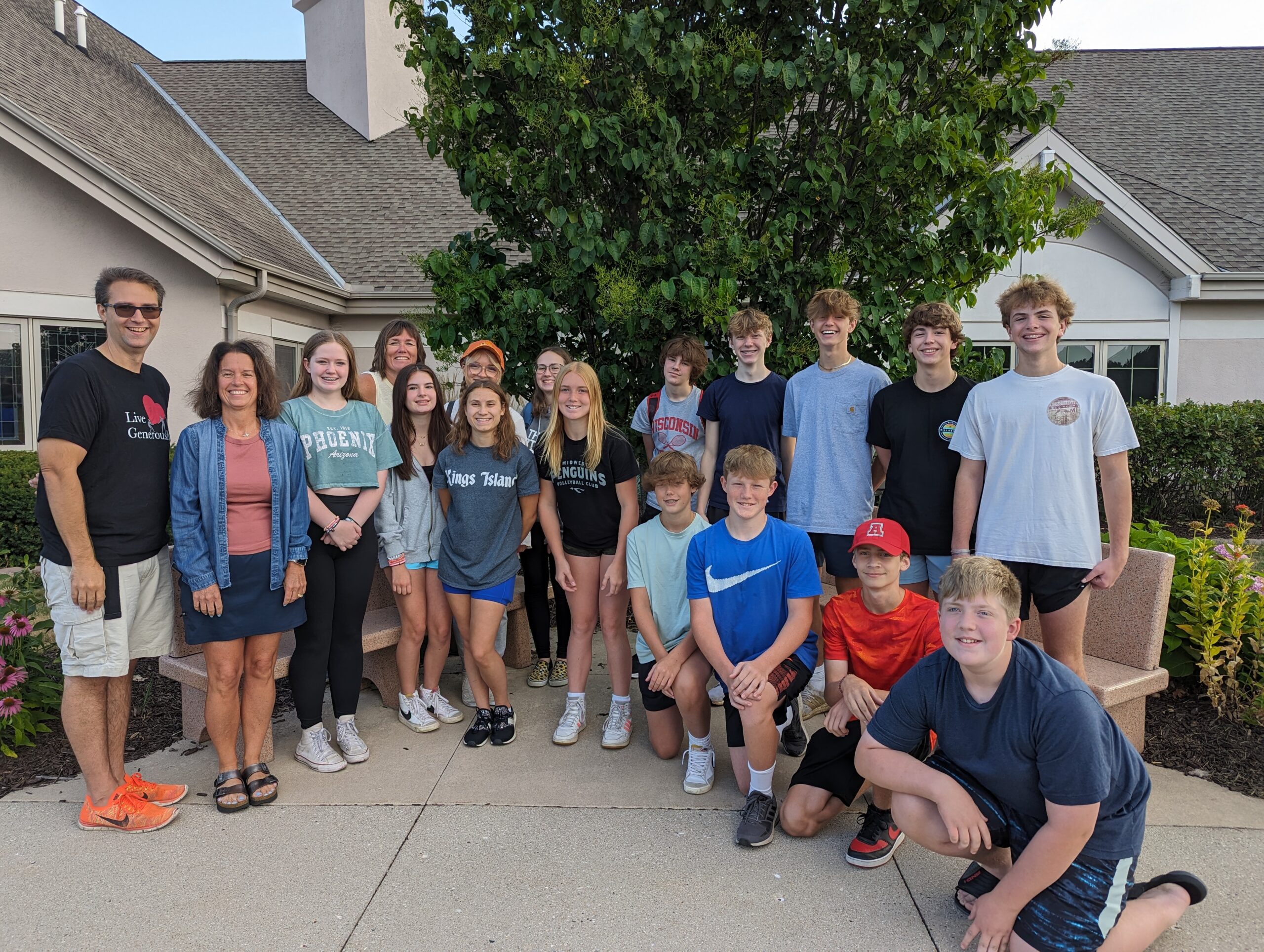
Youth in our congregation are vibrant and active, and we are proud to say that youth ministry is a strength of Our Savior’s!  We encourage youth to participate actively in the life of the congregation – you can see them serving in worship weekly, as well as serving a great cup of coffee in our youth-led coffee bar!

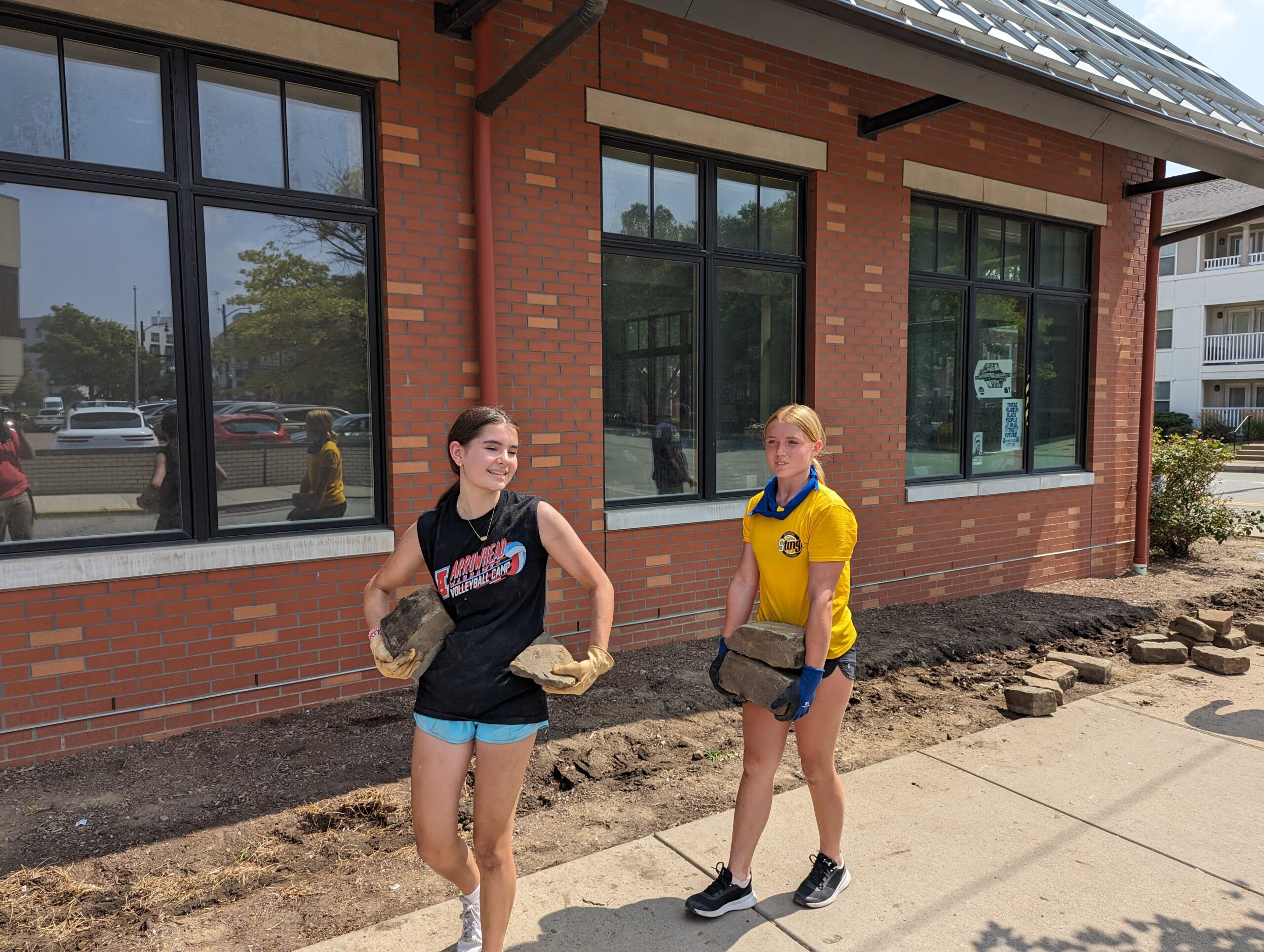
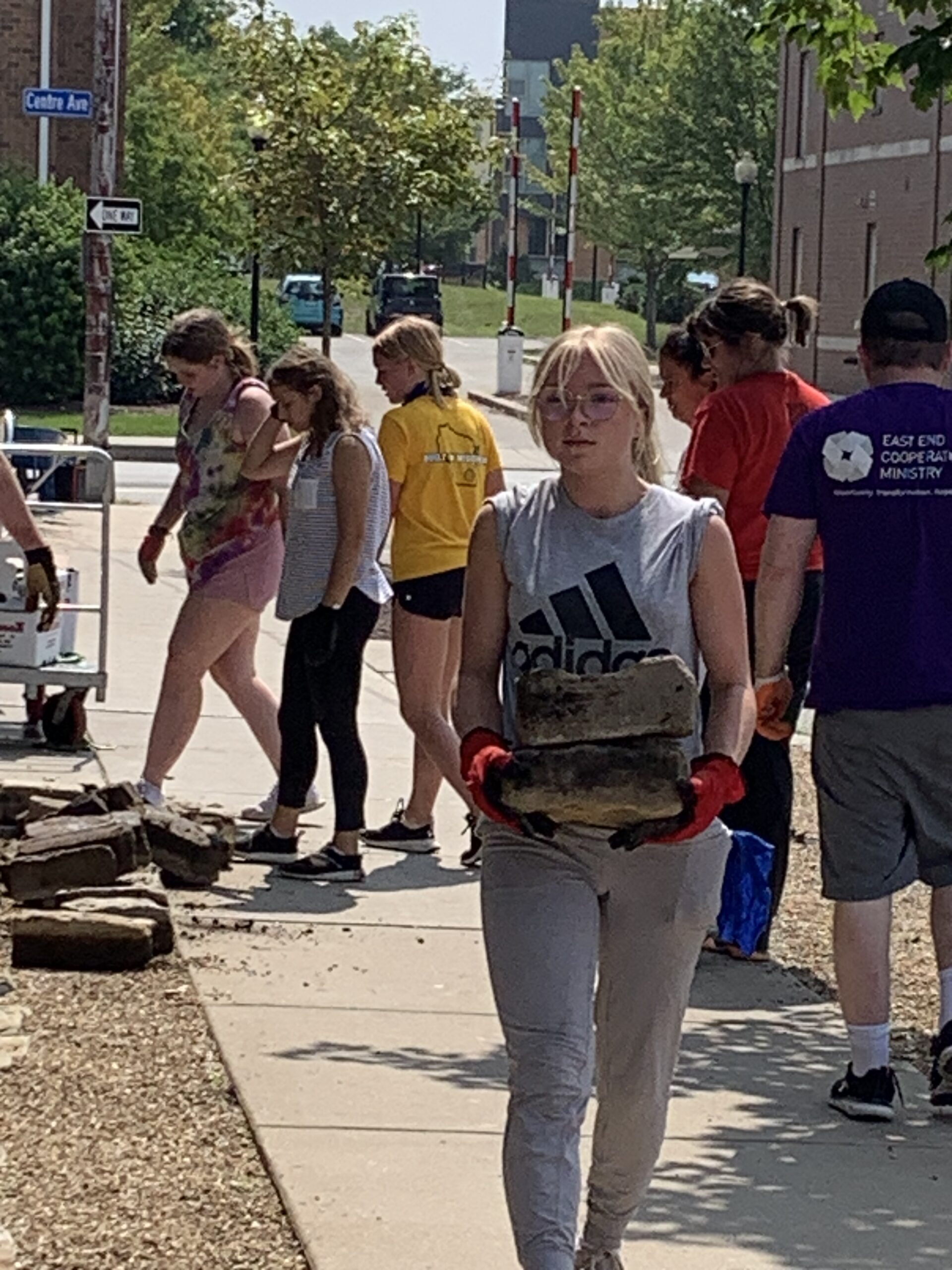
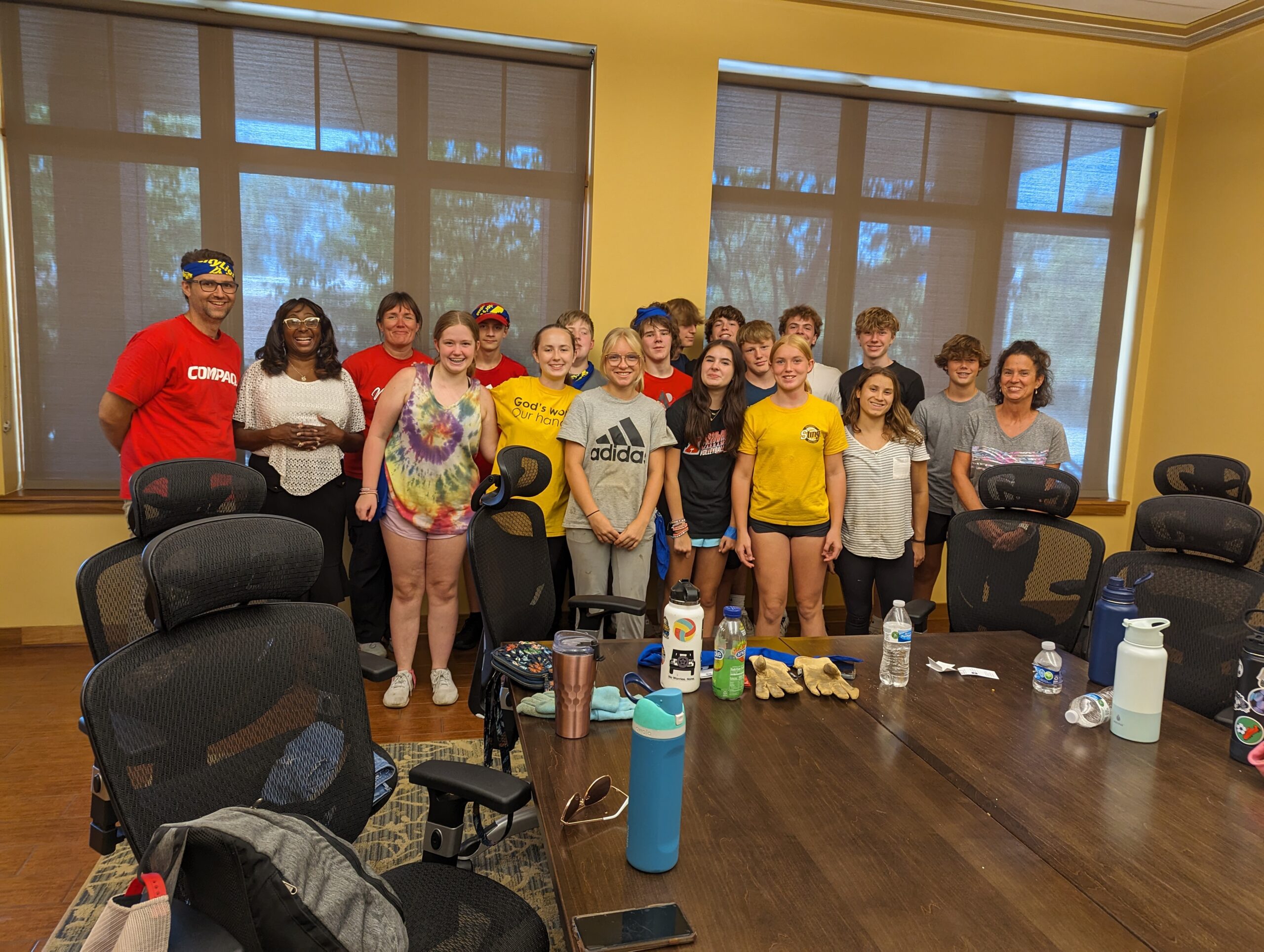
Summer Mission Trips – over the last few years we have gone to work along God’s people in both Cities and Rural areas. We know that God is Active and Present in the world, and joining God in Service is a big part of Engaging Faith for our young people.


Photos of our Youth in Action

There are many ways that you can watch and participate in the Digital Campus Worship Services on your television. If you have a Wi-Fi device or a smart TV, there is a good chance that you will be able to watch our live stream on the big screen!

Install the Facebook Watch app on Your TV

If you have one of the following devices you can install the Facebook Watch app directly onto your Television and follow the Our Savior’s Lutheran Church page. You will be able to watch live streams on Sunday and you will be able to see archived videos from our Facebook page.

  • Amazon Fire TV

  • Apple TV (4th generation or newer)

  • Samsung Smart TV (2015 or newer)

Chromecast the Digital Campus Service to your TV Wirelessly

If you have a Chromecast device on your TV, you can “Cast” the Livestream to your TV directly from the player on our webpage. In the top right corner of your Chrome browser, you will see three dots that open a menu when clicked. You can choose the “Cast” option and select your TV. Make sure that your streaming device and Chromecast are on the same wifi network. Once connected, press the “full screen” option on the webpage and it will play the full service fullscreen with audio on your TV.

Using an HDMI Cable

If you are watching the live stream on a laptop or a device with an HDMI port, you will most likley be able to plug your laptop into your television and use your TV as a mirror of your device.  When you connect your PC to a TV over HDMI or even VGA, Windows should automatically detect and display an image on it. Just make sure the TV is turned on and set to the right video input. You can edit the display settings on your computer by pressing Windows Key + P and selecting “Duplicate”