Church Leadership Team 2026

Our Leadership Team consists of nine elected members of Our Savior’s Lutheran Church who help guide the day-to-day operations of the church. Meeting monthly, the team oversees areas such as budgeting, building needs, policies, and other administrative matters.  Meetings are typically held on the second Tuesday of each month at 6:00 pm and last about 1.5–2 hours. They are held in person, with an open session that all are welcome to attend. When confidential matters arise, the team moves into a closed session.

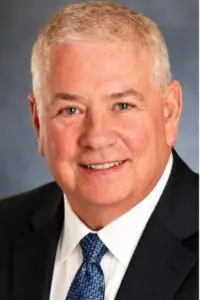
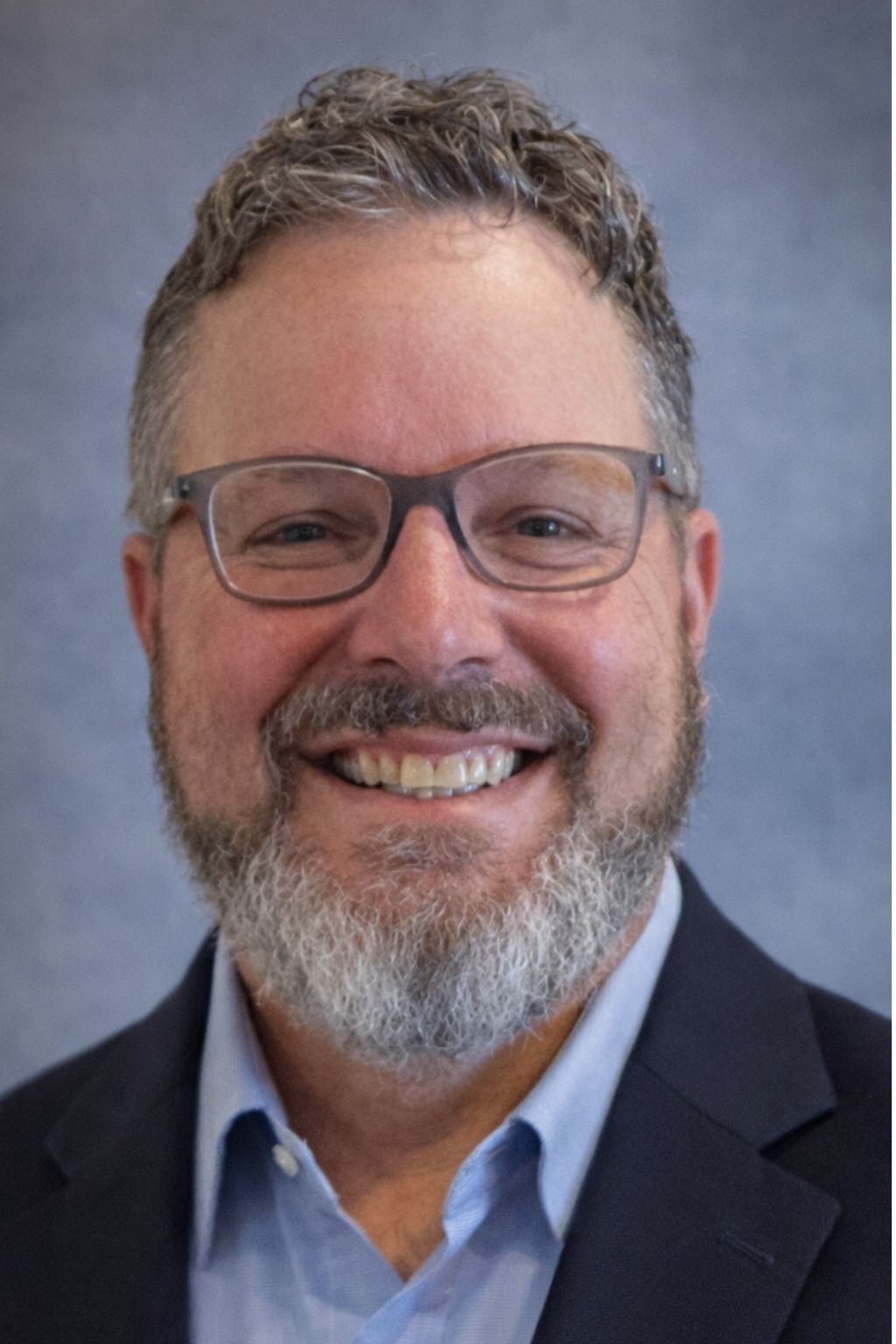
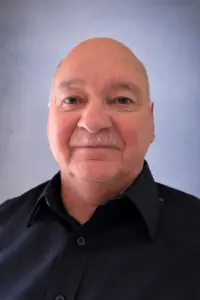
Thomas “Tom” Carroll, a dedicated and experienced professional, serves as the President. For any inquiries or assistance, feel free to reach out at 414-617-9779 or via email at [email protected].
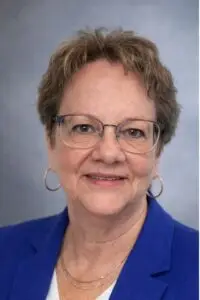
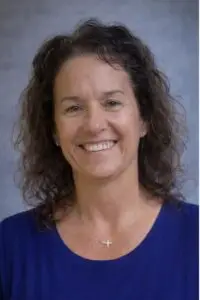
Carol Emmel, the President Elect, is dedicated to serving as the Worship Coordinator for our organization. For any inquiries or to discuss worship-related matters, you can reach her at (414) 573-6088 or via email at [email protected]. She is looking forward to connecting with you and enhancing our worship experience together.
Matt Feyen, Former President of our organization, can be reached at 262-470-5685 for any inquiries. You can also contact him via email at [email protected]. He is always happy to assist and share valuable insights.
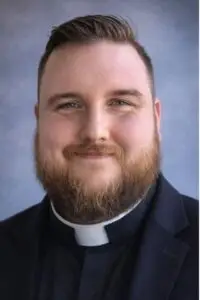
Casey B. Sugden, Senior Pastor at Our Savior's Lutheran Church, can be reached at 262-470-4233 or via email at [email protected]. Feel free to reach out for any questions or support related to our community and services.
Megan Anderson, who serves as the Secretary of our organization, can be reached at (262) 880-3269 for any inquiries or assistance. You can also contact her via email at [email protected] for further information or support.

"Serve one another humbly in love, demonstrating kindness and compassion in all that you do" — Galatians 5:13

Lori Zeller, who is currently serving in the important role of Treasurer, can be reached at the phone number 262-719-7277 for any inquiries, questions, or assistance you may need regarding financial matters. Additionally, you may also contact her via email at [email protected] for further support or to discuss any concerns you might have.
Scott Dettmann, a dedicated Member at Large, can be reached at (608) 215-1237. For any inquiries or to connect professionally, feel free to email him at [email protected].
John Weiss, serving as a dedicated Member-at-Large, can be reached at (262) 367-3106 or via email at [email protected] for any inquiries or assistance.
Tim Rice, serving as a Member at Large, can be reached at the phone number (920) 342-3621. For any inquiries or communications, please feel free to email him at [email protected].

There are many ways that you can watch and participate in the Digital Campus Worship Services on your television. If you have a Wi-Fi device or a smart TV, there is a good chance that you will be able to watch our live stream on the big screen!

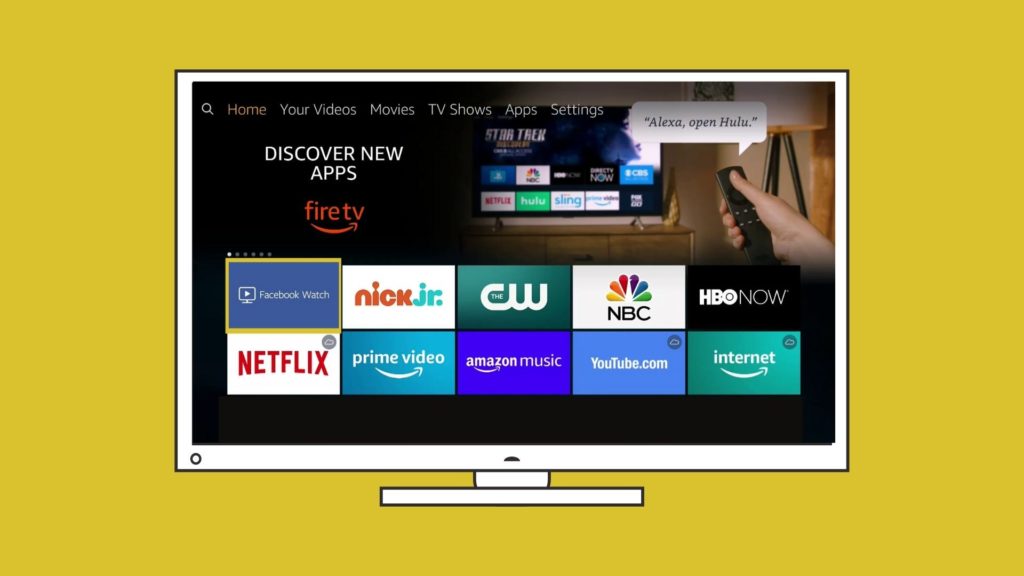
Install the Facebook Watch app on Your TV

If you have one of the following devices you can install the Facebook Watch app directly onto your Television and follow the Our Savior’s Lutheran Church page. You will be able to watch live streams on Sunday and you will be able to see archived videos from our Facebook page.

  • Amazon Fire TV

  • Apple TV (4th generation or newer)

  • Samsung Smart TV (2015 or newer)

Chromecast the Digital Campus Service to your TV Wirelessly

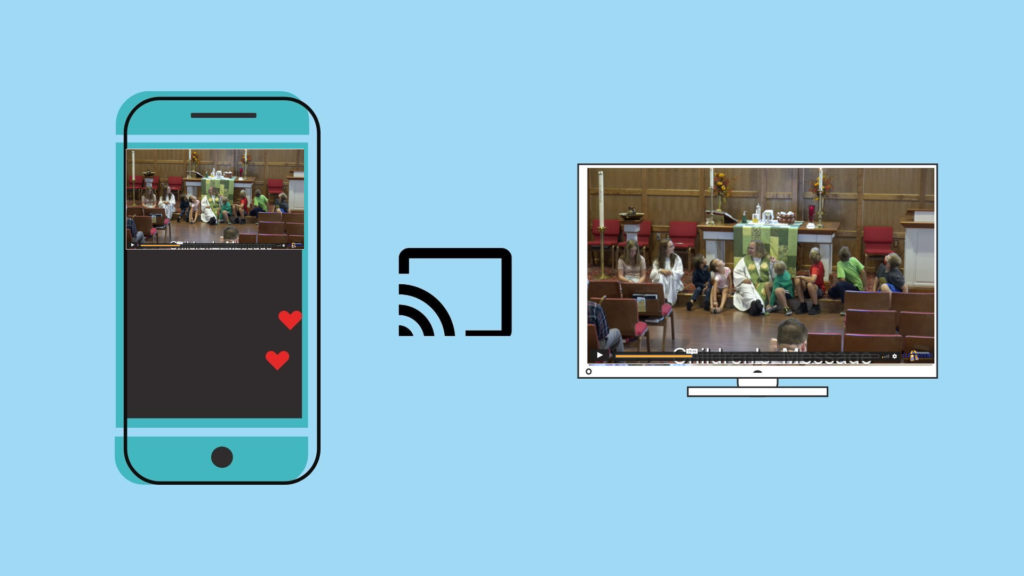
If you have a Chromecast device on your TV, you can “Cast” the Livestream to your TV directly from the player on our webpage. In the top right corner of your Chrome browser, you will see three dots that open a menu when clicked. You can choose the “Cast” option and select your TV. Make sure that your streaming device and Chromecast are on the same wifi network. Once connected, press the “full screen” option on the webpage and it will play the full service fullscreen with audio on your TV.

Using an HDMI Cable

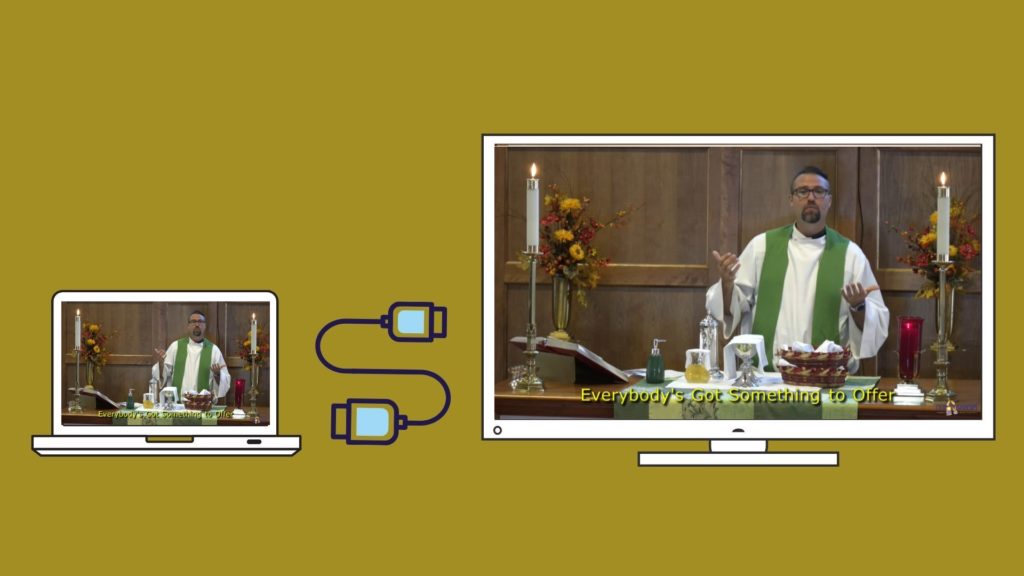
If you are watching the live stream on a laptop or a device with an HDMI port, you will most likley be able to plug your laptop into your television and use your TV as a mirror of your device.  When you connect your PC to a TV over HDMI or even VGA, Windows should automatically detect and display an image on it. Just make sure the TV is turned on and set to the right video input. You can edit the display settings on your computer by pressing Windows Key + P and selecting “Duplicate”