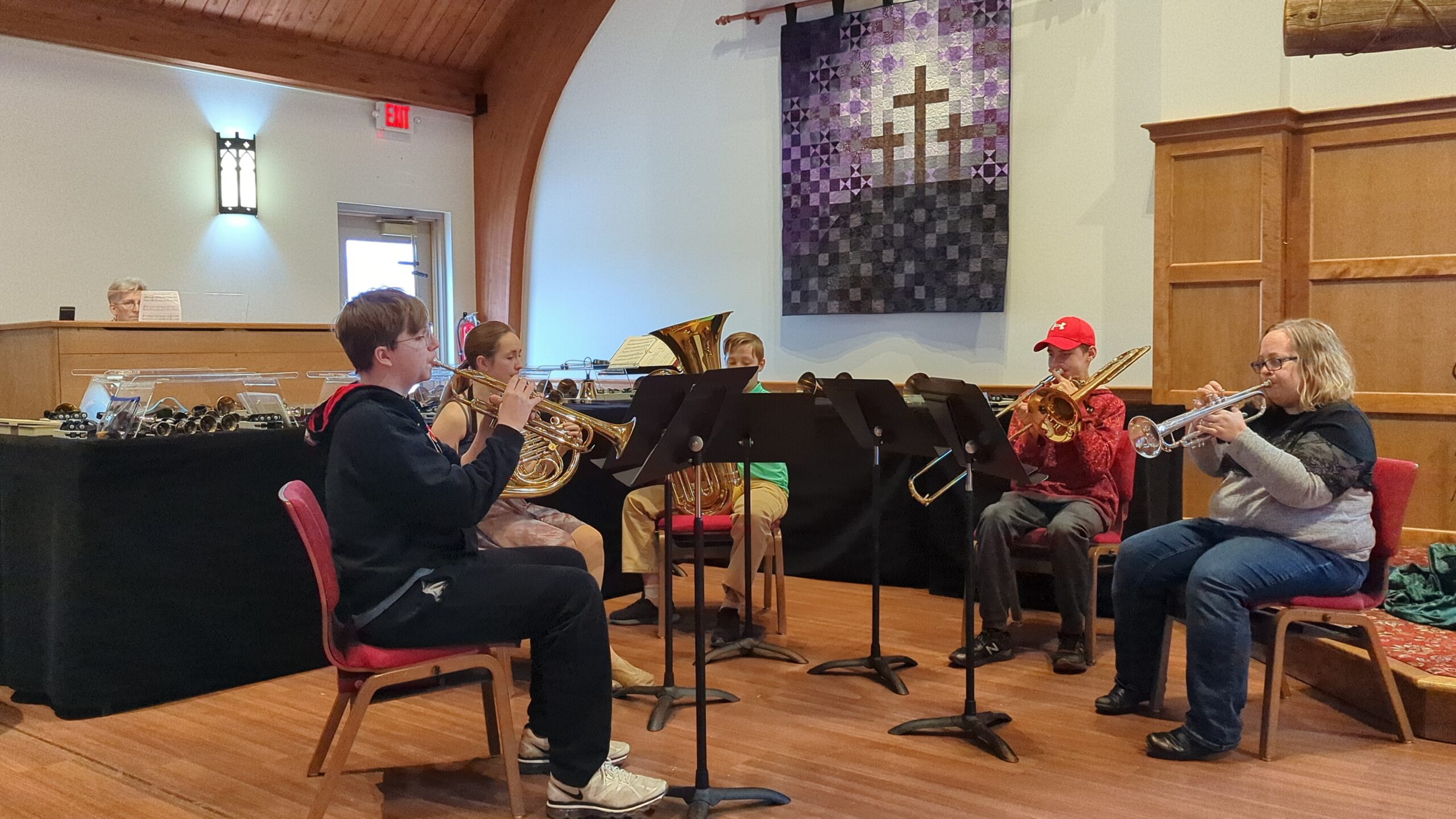
If you would like to join us in singing, ringing, or even rocking, we have a place for you!

Praise Ringers (Bell Choir) practices from 6:00 pm to 6:45 pm and Choir practices from 6:45 pm to 8:00PM on Wednesdays during the school year. StoneRollers (Contemporary Worship Team) rehearses Thursday evenings on weeks that they perform. 
To learn more or if you are interested in joining our team, please contact Jackie Oakes. If you would like to join us for only a season or you miss some rehearsals because of travel, children, etc. NO WORRIES. We are a grace-filled group (the directors too!). We would love to have you join us!
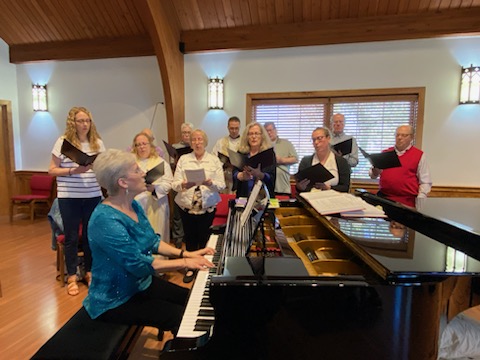
Church choir

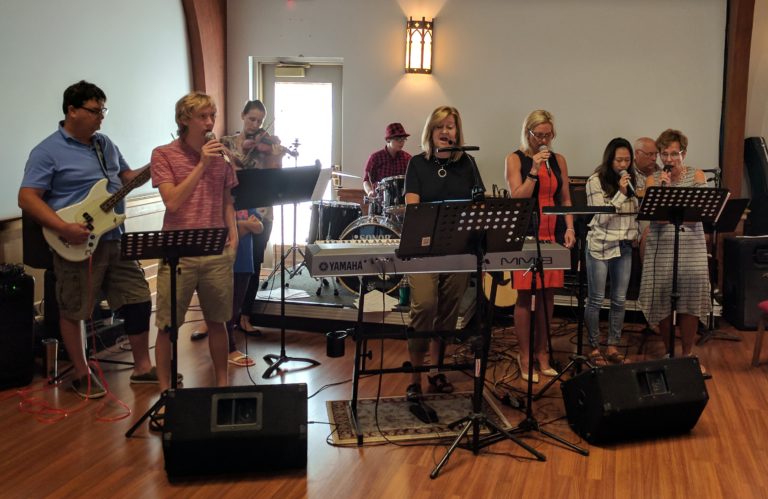
StoneRollers

The StoneRollers worship band leads our services once a month. From KLOVE radio hits to current contemporary to classic hymns… with keyboards, guitars, drums, percussion, violin and harmonizing vocals, the Holy Spirit leads us to help edify our praise and worship of our God. 

StoneRoller Leaders:  Irene and Steven Koenigs.

Choir

Our Church Choir meets weekly on Wednesdays. The choir sings on a rotating basis, a few sundays a month.

YOU ARE INVITED TO COME SING WITH US! YOU’LL BE BLESSED!

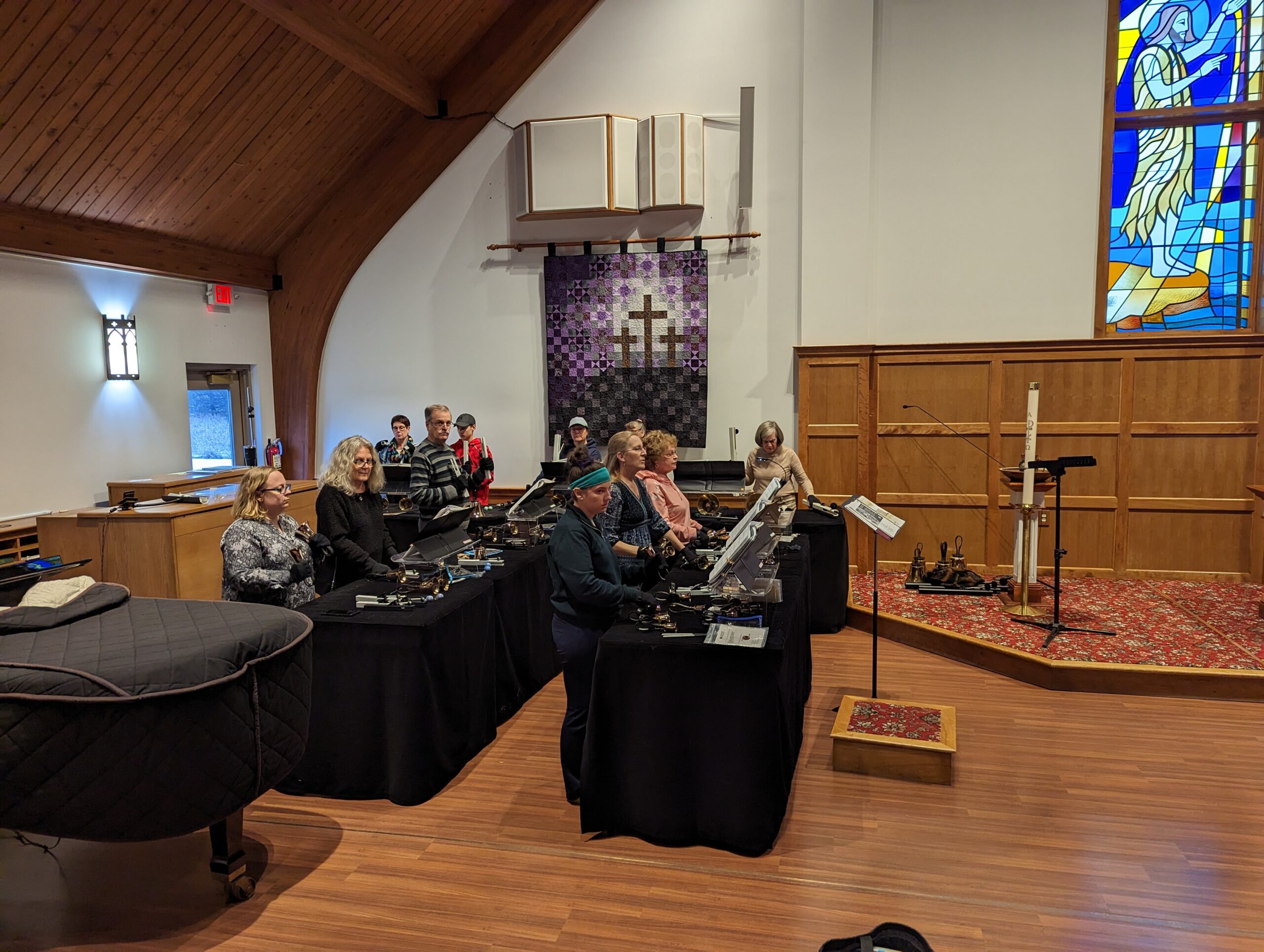
Praise Ringers

Praise Ringers are the bell team that practice on Wednesdays. They perform at Worship about once a month. 
 

YOU ARE INVITED TO COME RING WITH US! YOU’LL BE BLESSED!

There are many ways that you can watch and participate in the Digital Campus Worship Services on your television. If you have a Wi-Fi device or a smart TV, there is a good chance that you will be able to watch our live stream on the big screen!

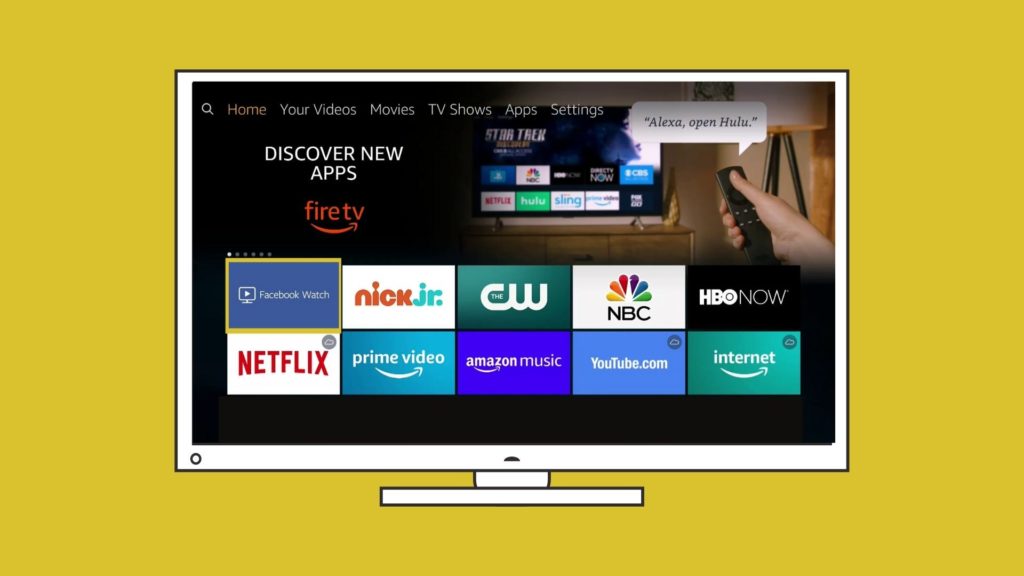
Install the Facebook Watch app on Your TV

If you have one of the following devices you can install the Facebook Watch app directly onto your Television and follow the Our Savior’s Lutheran Church page. You will be able to watch live streams on Sunday and you will be able to see archived videos from our Facebook page.

  • Amazon Fire TV

  • Apple TV (4th generation or newer)

  • Samsung Smart TV (2015 or newer)

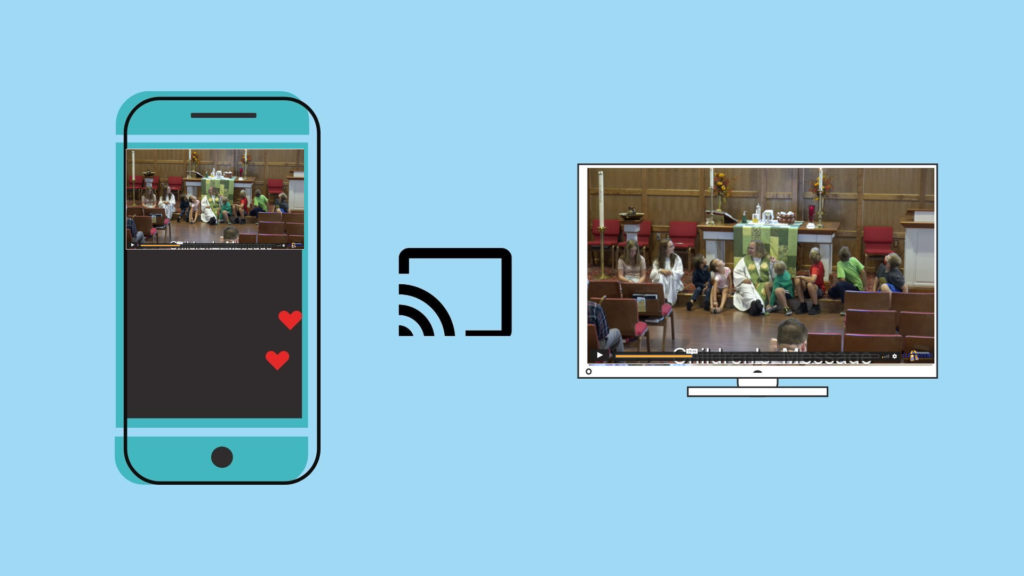
Chromecast the Digital Campus Service to your TV Wirelessly

If you have a Chromecast device on your TV, you can “Cast” the Livestream to your TV directly from the player on our webpage. In the top right corner of your Chrome browser, you will see three dots that open a menu when clicked. You can choose the “Cast” option and select your TV. Make sure that your streaming device and Chromecast are on the same wifi network. Once connected, press the “full screen” option on the webpage and it will play the full service fullscreen with audio on your TV.

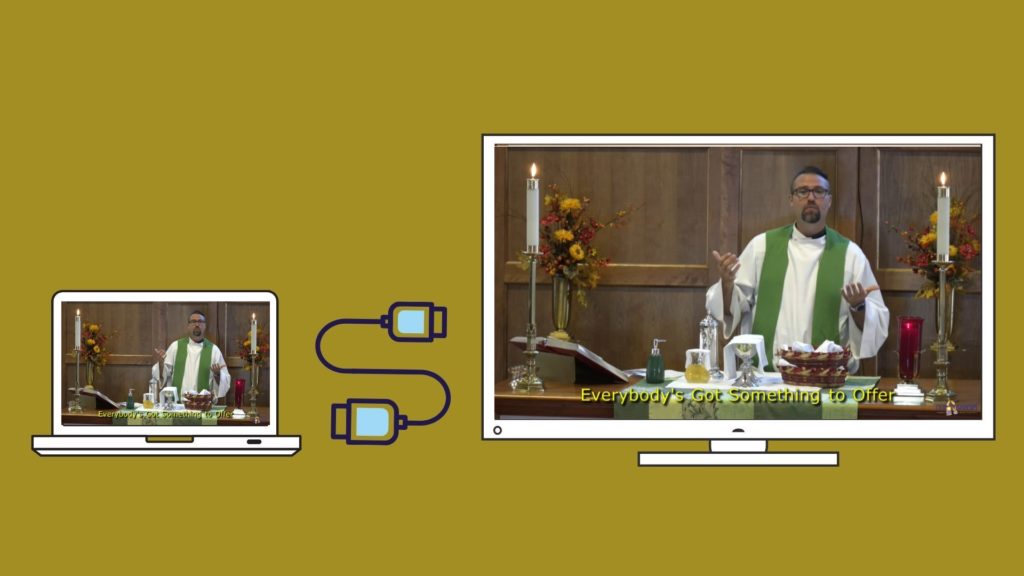
Using an HDMI Cable

If you are watching the live stream on a laptop or a device with an HDMI port, you will most likley be able to plug your laptop into your television and use your TV as a mirror of your device.  When you connect your PC to a TV over HDMI or even VGA, Windows should automatically detect and display an image on it. Just make sure the TV is turned on and set to the right video input. You can edit the display settings on your computer by pressing Windows Key + P and selecting “Duplicate”