Our Savior's Evangelical Lutheran Church

"For where two or three gather in my name, there am I with them." — Matthew 18:20

Our Savior’s Evangelical Lutheran Church is a welcoming community of faith rooted in the Gospel of Jesus Christ. We gather to worship, grow, serve, and share God’s grace with our neighbors in Harland and beyond.

Our Core Values

Rooted in Scripture

We are grounded in the Word of God, upholding the teachings of the Lutheran tradition and the truths of Holy Scripture.

Grace-Centered

We believe in salvation by grace through faith, welcoming all who seek to know God's unconditional love.

Community & Fellowship

We are a family of believers supporting one another through life's joys and challenges with genuine care.

Called to Serve

We reach out to our neighbors in need through local outreach, mission work, and acts of compassion.

A Heritage of Faith

Sanctuary
For generations, Our Savior’s has been a cherished spiritual home for families in the Hartland area. Our beautiful sanctuary, with its warm wood accents and inviting atmosphere, offers a sacred space where God’s Word is proclaimed and the Sacraments are faithfully celebrated.

Worship
We gather for traditional worship, enriched by timeless hymns that have strengthened faith across centuries, and thoughtful preaching rooted in the message of God’s grace.

learn more

Please fill out the form so we can learn more about you.

There are many ways that you can watch and participate in the Digital Campus Worship Services on your television. If you have a Wi-Fi device or a smart TV, there is a good chance that you will be able to watch our live stream on the big screen!

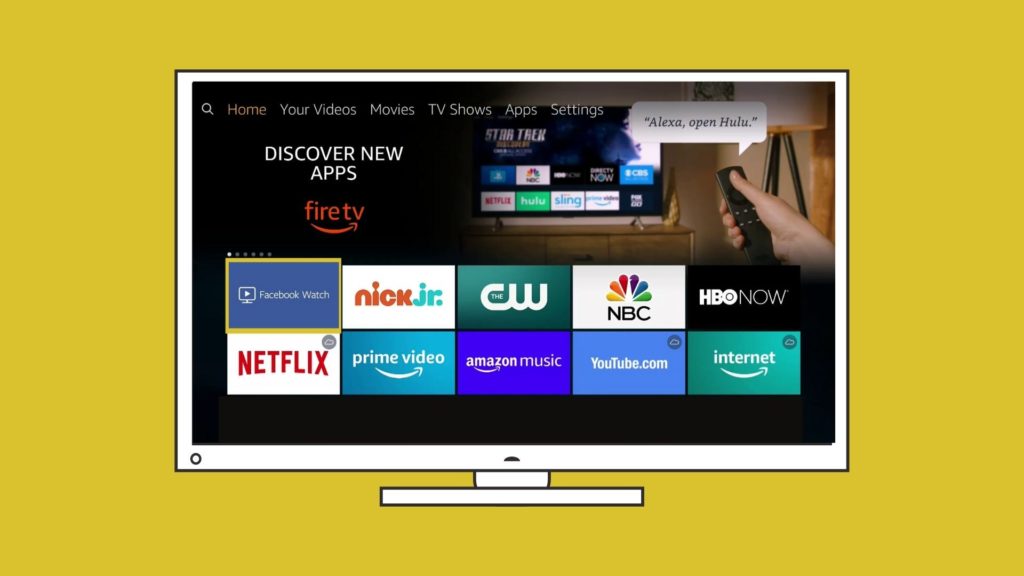
Install the Facebook Watch app on Your TV

If you have one of the following devices you can install the Facebook Watch app directly onto your Television and follow the Our Savior’s Lutheran Church page. You will be able to watch live streams on Sunday and you will be able to see archived videos from our Facebook page.

  • Amazon Fire TV

  • Apple TV (4th generation or newer)

  • Samsung Smart TV (2015 or newer)

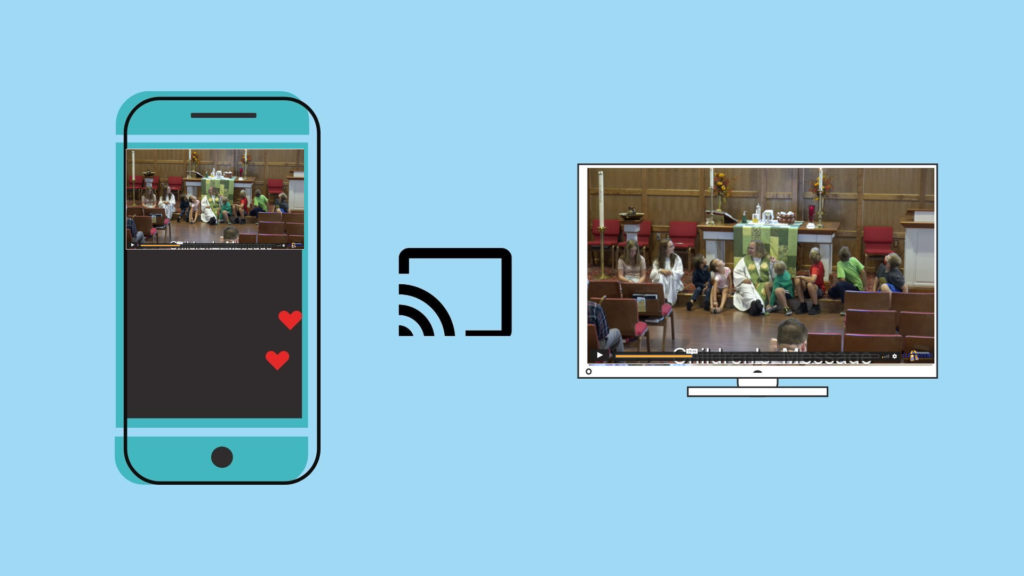
Chromecast the Digital Campus Service to your TV Wirelessly

If you have a Chromecast device on your TV, you can “Cast” the Livestream to your TV directly from the player on our webpage. In the top right corner of your Chrome browser, you will see three dots that open a menu when clicked. You can choose the “Cast” option and select your TV. Make sure that your streaming device and Chromecast are on the same wifi network. Once connected, press the “full screen” option on the webpage and it will play the full service fullscreen with audio on your TV.

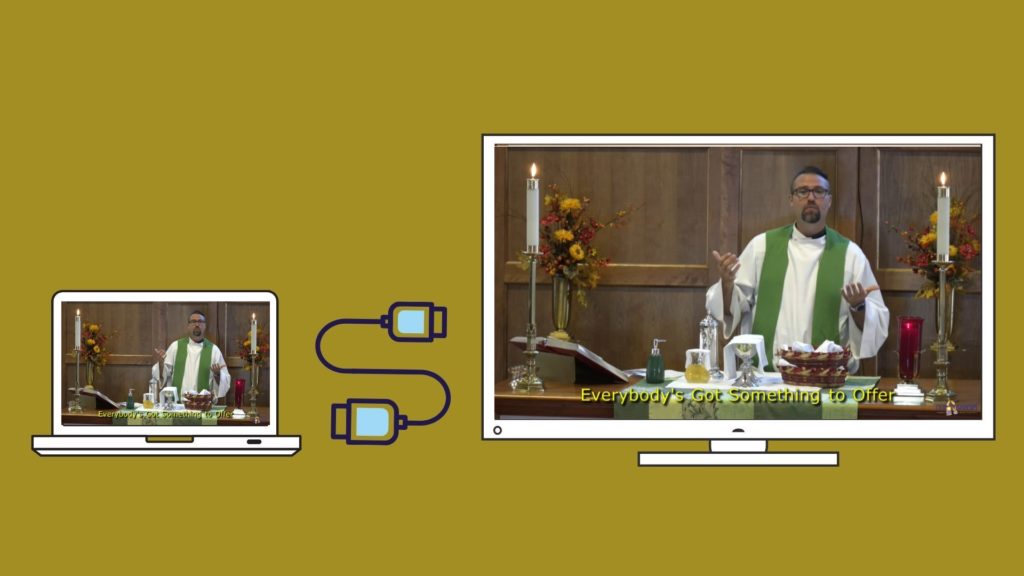
Using an HDMI Cable

If you are watching the live stream on a laptop or a device with an HDMI port, you will most likley be able to plug your laptop into your television and use your TV as a mirror of your device.  When you connect your PC to a TV over HDMI or even VGA, Windows should automatically detect and display an image on it. Just make sure the TV is turned on and set to the right video input. You can edit the display settings on your computer by pressing Windows Key + P and selecting “Duplicate”