What is Kingdom Expansion?

Kingdom Expansion is Our Savior’s “second mile offering” program.  Once a month, we take a “second offering” which is used to further our work in the church, community, and creation (global) areas.  Members can take an idea of a project that they would like to see Our Savior’s invest in, fill out a form, and can see that seedling of an idea bear fruit in a financially supported project.  


Kingdom Expansion equips us to serve as a community in order to:
Identify new ministry initiatives and goals 
Use our spiritual gifts to expand God’s Kingdom through our many ministry initiatives 
Develop lay leadership with extensive congregational participation 
Provide a means to financially support the growth of expanded ministries envisioned and executed together  
Celebrate and respond to God’s abundant generosity and love to us and all of his children


What kinds of projects does Kingdom Expansion accomplish?

Here are a few examples of projects that Kingdom Expansion has grown in the past few years:

Built Sunday School rooms in Tanzania

Funded education initiatives for K-12 Students in Tanzania

Built an Outdoor Worship Space for Our Savior’s

Funded scholarships for African seminary students

Matched funds to support Sleep in Heavenly Peace of Waukesha County in its inception

Repaired the Our Savior’s playground

Provided new technology advances for the church, especially during the pandemic

Provided funding for a local school lunch backpack program

…. And so much more!


What is next?

What should the next goals be?  We need your help to identify important initiatives!  Please give us your ideas by filling out a Kingdom Initiative form below, or help contribute to fund future initiatives by clicking on the ‘donate’ button below!  

There are many ways that you can watch and participate in the Digital Campus Worship Services on your television. If you have a Wi-Fi device or a smart TV, there is a good chance that you will be able to watch our live stream on the big screen!

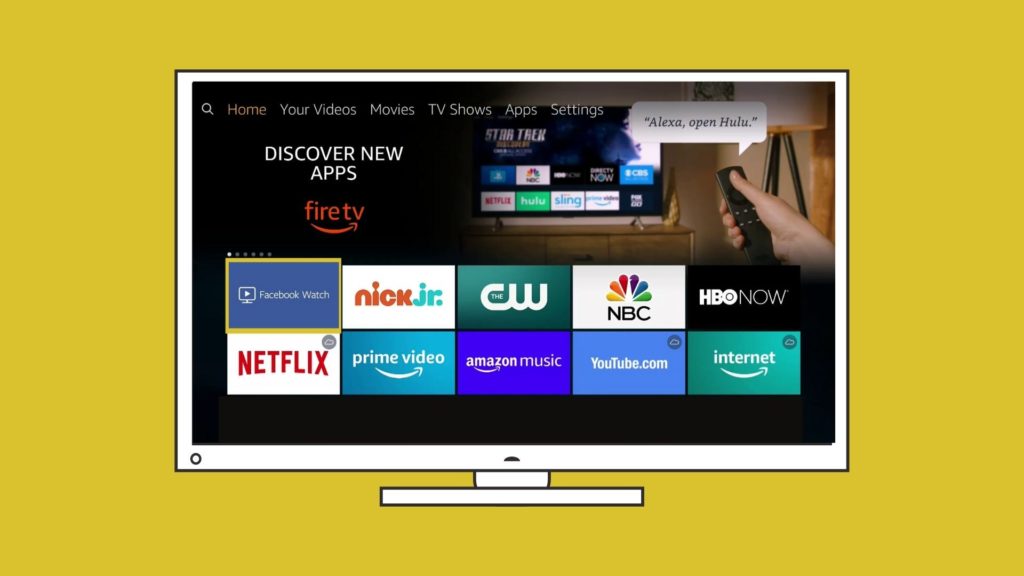
Install the Facebook Watch app on Your TV

If you have one of the following devices you can install the Facebook Watch app directly onto your Television and follow the Our Savior’s Lutheran Church page. You will be able to watch live streams on Sunday and you will be able to see archived videos from our Facebook page.

  • Amazon Fire TV

  • Apple TV (4th generation or newer)

  • Samsung Smart TV (2015 or newer)

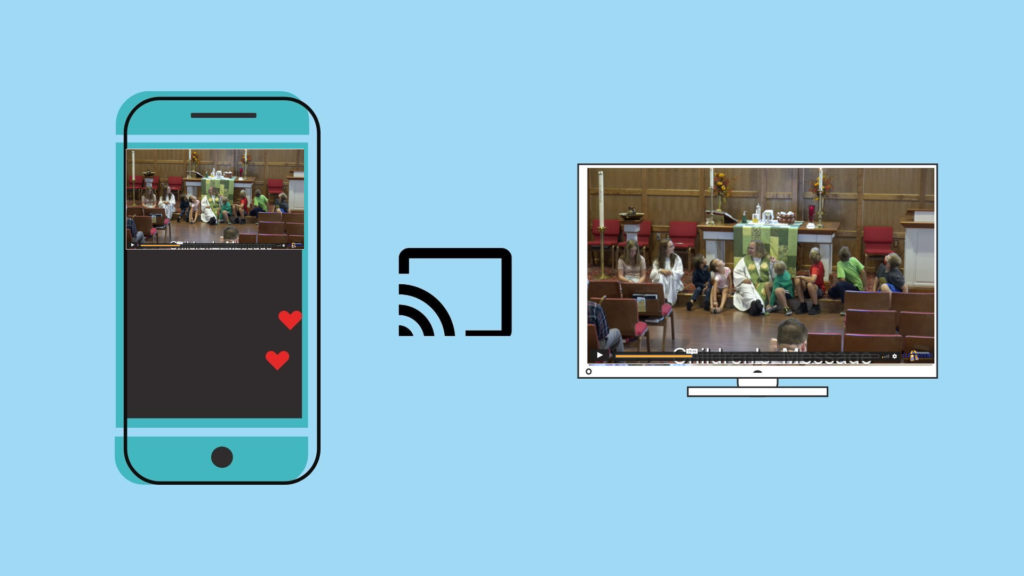
Chromecast the Digital Campus Service to your TV Wirelessly

If you have a Chromecast device on your TV, you can “Cast” the Livestream to your TV directly from the player on our webpage. In the top right corner of your Chrome browser, you will see three dots that open a menu when clicked. You can choose the “Cast” option and select your TV. Make sure that your streaming device and Chromecast are on the same wifi network. Once connected, press the “full screen” option on the webpage and it will play the full service fullscreen with audio on your TV.

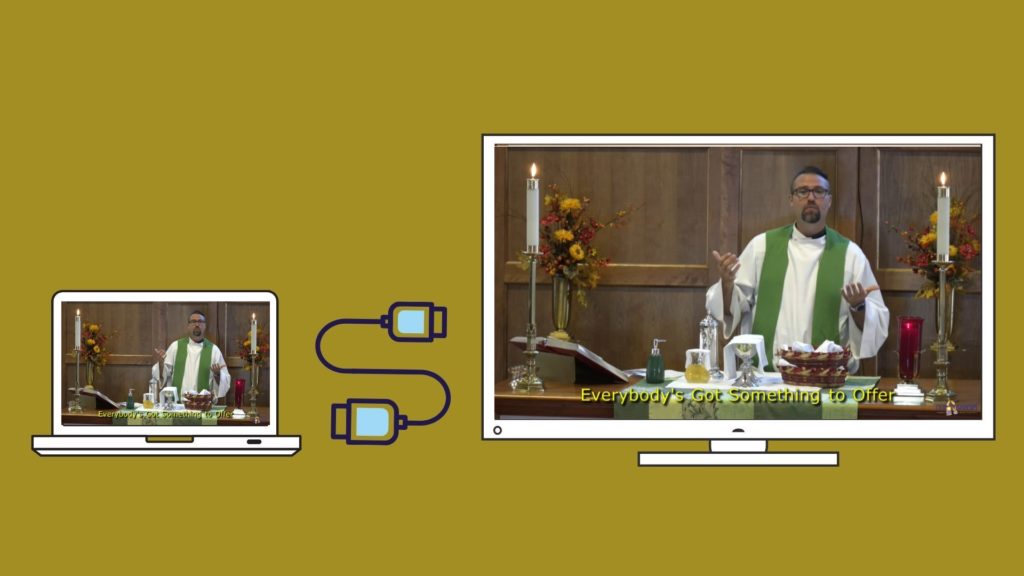
Using an HDMI Cable

If you are watching the live stream on a laptop or a device with an HDMI port, you will most likley be able to plug your laptop into your television and use your TV as a mirror of your device.  When you connect your PC to a TV over HDMI or even VGA, Windows should automatically detect and display an image on it. Just make sure the TV is turned on and set to the right video input. You can edit the display settings on your computer by pressing Windows Key + P and selecting “Duplicate”